
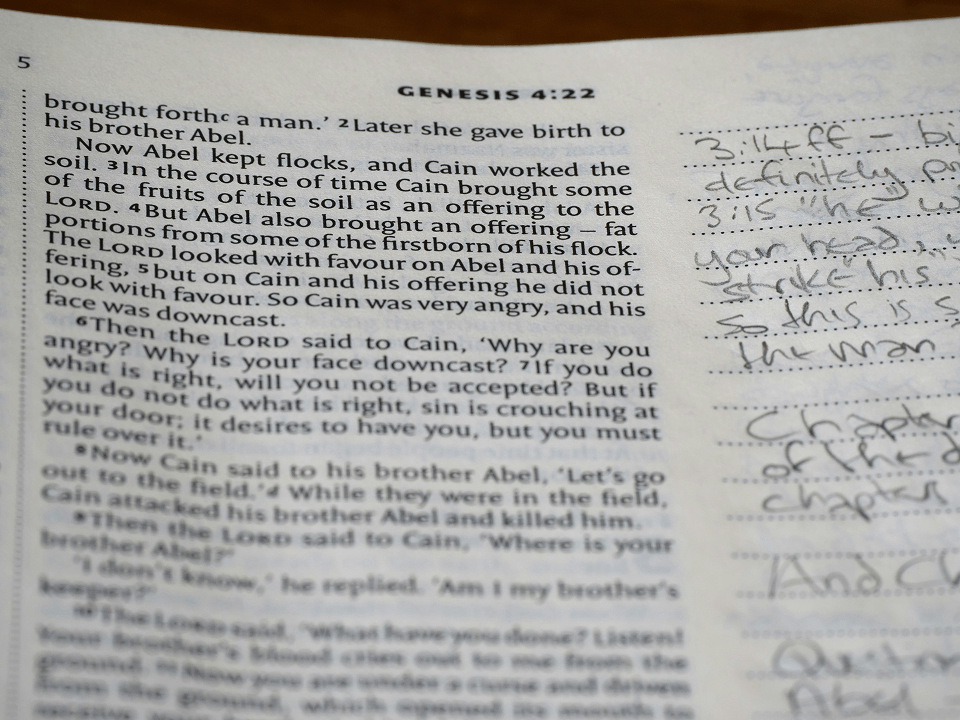

You might have been taking good notes before now, but today, let us show you how to take b etter sermon notes.
Now, picture this. You sit down for Sunday service, notebook open and pen ready. The pastor preaches a word that hits deep. It was a connection between Isaiah 53 and John 1 you have never seen before. You write a line. You write another. By the time the sermon ends, you have half a page of fragmented sentences that made sense in the moment but look like a foreign language three days later.
Sound familiar? You are not the only one. The way most of us were taught to take sermon notes does not actually help us retain, organize, or use what we heard. It turns profound insights into unusable scraps.
Learning how to take sermon notes properly changes that. The right method turns your notes into a searchable, organized library of spiritual insight that compounds over years. The five methods below have been tested by pastors and Bible students across different learning styles and ministry contexts. One of them will work for you.
Why Most Sermon Notes Fail (And What to Do Instead)
The problem is not that people stop taking notes. The problem is that most notes are written to survive the moment, not to be used later.
A pastor friend of mine once showed me seven years of sermon notebooks. Beautiful handwriting. Consistent attendance. Zero searchability. He had no idea what was in any of them. He could not search by topic, by scripture, or by series. They were archives with no index.
Good sermon notes serve two functions: they deepen your engagement while you are in the room, and they give you something you can actually find and use months or years later. If your system only does the first, you are leaving most of the value behind.
Here is what the best sermon note-takers do differently. They use a consistent structure. They capture the scripture reference alongside the insight. And they store their notes somewhere they can search them, not just stack them.
Method 1: The Cornell Method for Sermon Notes
The Cornell Method was developed at Cornell University for academic note-taking, but it works exceptionally well for sermons because it forces you to process what you heard, not just transcribe it.
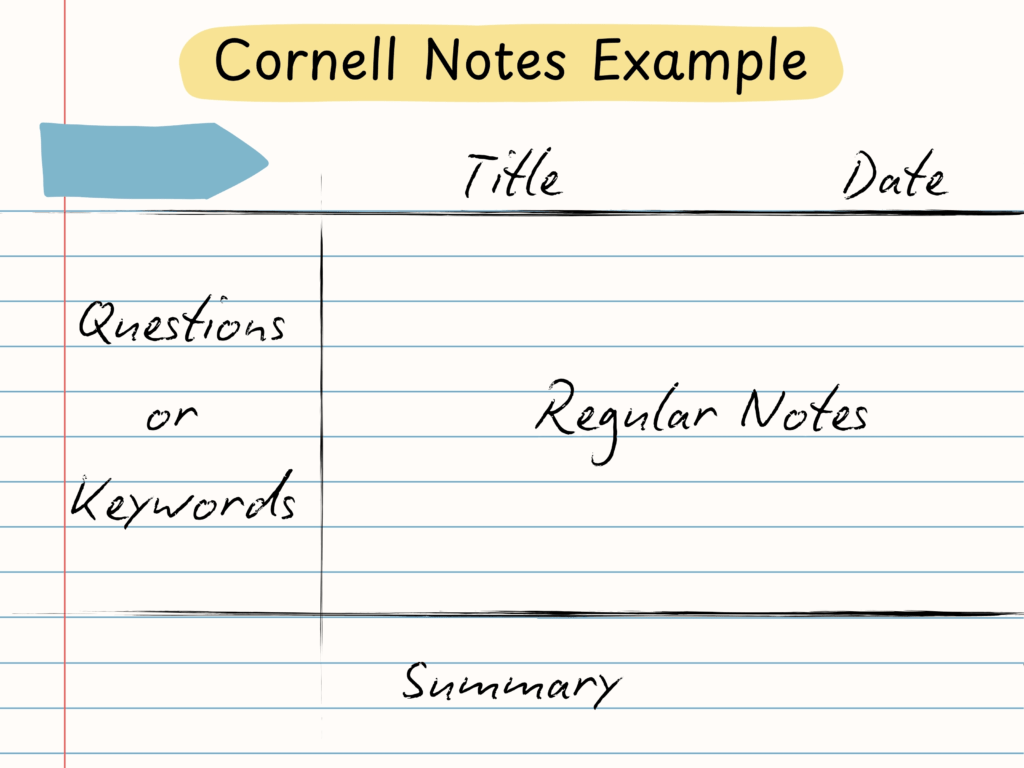
How it works:
Divide your page into three sections. The right column (about 70% of the page) is your Notes column, where you capture what the preacher says in real time. The left column (about 30%) is your Cues column. After the sermon, you fill this with questions, key words, or scripture references that connect to your notes. The bottom section is your Summary, a 2-3 sentence paragraph in your own words that captures what the message meant to you.
Why it works for pastors:
The Cues column is where the real learning happens. When you go back after a sermon and write your own cross-references, application questions, and key terms, you are engaging with the material a second time. That second pass is what turns passive listening into real learning.
The Summary section also forces you to synthesize, not just collect. Writing “what did this mean to me” in your own words is one of the most powerful retention tools available.
Best for: Pastors who do deep personal study and want to engage reflectively with sermons they hear.
Method 2: The Outline Method (Scripture-Anchored)
This is the simplest structure and the one most naturally suited to expository preaching. The Outline Method mirrors how most sermons are structured: a main text, main points, and supporting scriptures.
How it works:
Write the main scripture reference at the top of your page. Below that, write the sermon title or topic. Then capture each main point as a numbered heading (1, 2, 3) with a brief note underneath. Every time the preacher quotes a scripture, write the reference immediately, even if you do not capture the full verse. You can look it up later.
The key addition that most people miss:
Leave a blank line between each main point. After the sermon, go back and fill in the blanks with your own application questions. “How does this apply to this Sunday’s message?” “Which verse connects this point to Romans 8?” These fill-in moments are where your notes move from information to wisdom.
Best for: Pastors who preach or teach expository sermons and want a system that mirrors how they think about texts.
Method 3: The Split-Page Method (Insight + Scripture Side by Side)
The Split-Page Method is designed for one specific problem: keeping insights connected to the scripture that generated them.
How it works:
Draw a vertical line down the middle of your page. On the left side, write scripture references as the preacher mentions them. On the right side, write the insight, application, or illustration that goes with each reference. Every insight has a scripture anchor. Every scripture has a corresponding note.
Why this matters:
Most of the time when we search old sermon notes, we are searching for one of two things: a verse we remember hearing, or an insight we remember learning. The Split-Page Method keeps both in the same row, so finding one means finding the other.
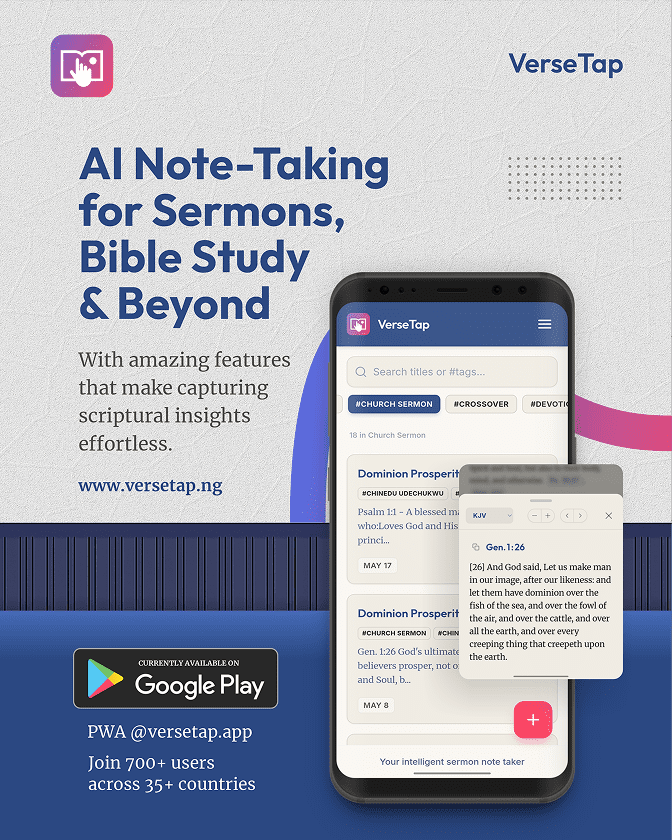
This method also works beautifully with a digital tool. In VerseTap, when you type a scripture reference in your notes, the full passage appears instantly as a popup. No app switching, no internet needed. The full KJV Bible is embedded offline. So your left column becomes a live scripture lookup system, not just a list of references to look up later.
Best for: Congregants taking notes during live services who want to stay in the flow of the sermon while building a connected scripture library.
Method 4: Digital-First Note-Taking (With Instant Scripture Lookup)
Paper has real advantages. It keeps you off your phone, reduces distraction, and creates a physical ritual around study. But digital notes have one advantage that paper cannot match: searchability.
A pastor who has taken digital sermon notes for five years can search “atonement” and find every insight from every sermon where that word appeared. A pastor with five years of paper notebooks has to remember which notebook, which year, and which Sunday.
The key to making digital note-taking work in a church setting is keeping it distraction-free. If your notes app sends you social media notifications or requires you to open a browser to look up a verse, you will end up scrolling instead of studying.
This is the exact problem VerseTap was built to solve. Type “John 3:16” in your note and the passage appears instantly without leaving the screen. No browser, no switching apps, no notifications. Just your notes and the Word, on the same screen.
VerseTap is available free on Android and as a PWA at versetap.ng. It works fully offline, functioning in churches with no Wi-Fi, on aeroplanes during sermon prep, and in areas where data access is unreliable. Your notes are backed up to your own Google Drive, never to VerseTap’s servers.
Best for: Pastors who prepare 52+ sermons per year and need a searchable library that grows with their ministry.
Method 5: The Scripture-Anchor Method (For Sermon Prep, Not Just Listening)
The first four methods work well in a church service. This one is for the study room.
When you are preparing a sermon, your notes are not passive records of what you heard. They are active tools in a creative and theological process. The Scripture-Anchor Method treats every note as a satellite orbiting a central text.
How it works:
Start with your primary text at the top of the page, the passage you are preaching from. Every note you take during your research gets attached to a scripture reference. An insight from a commentary? Write the scripture it illuminates. A story from church history? Write the verse it connects to. A personal application? Anchor it to a text.
When you sit down to preach, you have not just a collection of insights. You have a map. Every point traces back to the Word.
Best for: Preachers who preach expository messages and want their sermon prep to be text-centered rather than topic-centered.
How to Make Any Method Stick
Choosing a method is the first step. Using it consistently is what builds the library.
A few principles that help:
Start before the sermon begins. Write the date, the passage, and the preacher’s name at the top of your page. That small ritual signals to your brain that focused attention is about to happen.
Review within 24 hours. The biggest predictor of whether you will remember a sermon is whether you look at your notes the next day. Even a five-minute read-through cements what you heard.
Tag or categorize after the fact. Whether you use physical tabs in a notebook or tags in a digital app, giving your notes a category (by series, by topic, by scripture book) is what transforms a collection into a library.
Frequently Asked Questions
Q: Is it better to take sermon notes on paper or digitally?
A: Both work. Paper reduces phone distractions during services. Digital notes are searchable and do not degrade over time. The real answer is: the method you will actually use consistently is the right one. Many pastors use paper in the service and transfer key points to a digital tool afterward.
Q: How long should sermon notes be?
A: Quality over length. A half-page of well-structured notes with scripture references and one clear personal application is more useful than three pages of transcription. Aim for depth and connection, not volume.
Q: Does VerseTap work without internet?
A: Yes. VerseTap has the full KJV Bible embedded in the app as 66 offline JSON files. You can look up any verse without an internet connection. Your notes are also stored on your device and backed up to your own Google Drive, never on VerseTap’s servers.
Q: How do I organize years of old sermon notes digitally?
A: Start by tagging them. Most digital apps let you add tags or categories after the fact. In VerseTap, you can tag notes by sermon series, Bible book, topic, or any custom label. Once tagged, search instantly finds every note in that category across your full archive.
Start Building Your Sermon Notes Library Today
The method matters less than the consistency. Pick one of the five approaches above, use it for four Sundays in a row, and see what it does to your retention and study depth.
If you are ready to take your sermon notes digital, try VerseTap. It is built specifically for pastors and Bible students, with instant offline scripture lookup, tagging, full-text search, and Google Drive backup. It is 100% free through all of 2026.
Download VerseTap for Android or try it free on the web at versetap.ng.
Your notes. Your Google Drive. Your privacy protected. Tap the Verse. Feel the Life.
About the Author
Simeon Taiwo Oluwafimijoba is the founder of VerseTap, an AI-powered sermon notes app built for pastors, Bible teachers, and serious Bible students. As a pastor and ministry leader based in Port Harcourt, Nigeria, he understands the challenges of sermon preparation firsthand. VerseTap was built because he needed it himself. Simeon holds certifications in Brand Management (University of London) and AI Product Management (Duke University).