
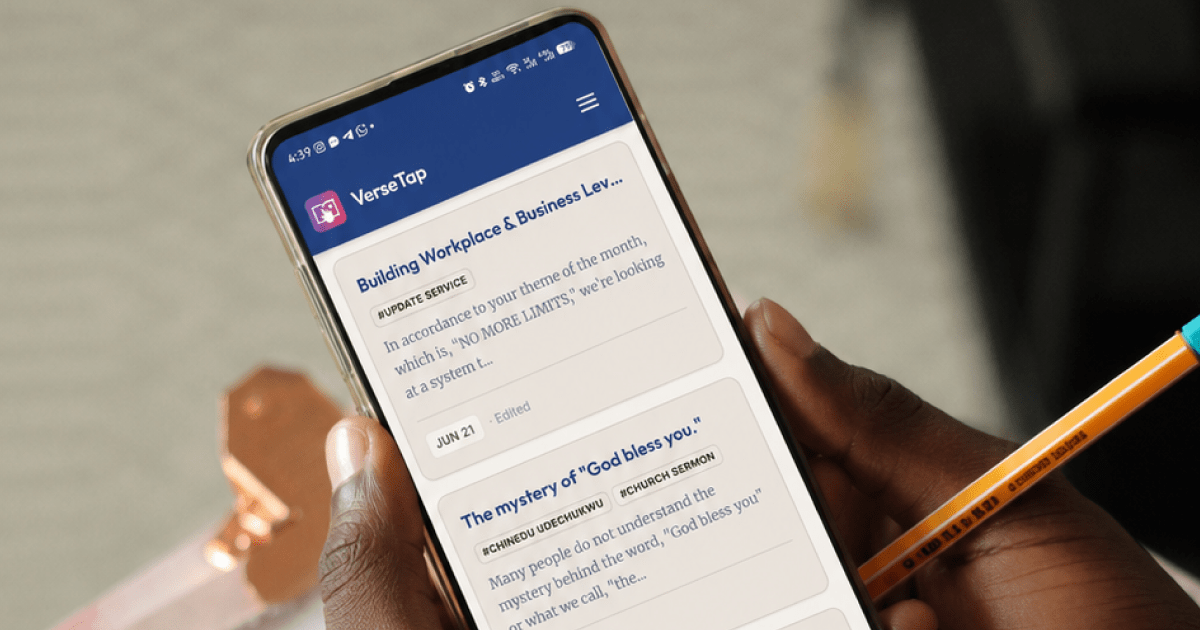

You have five years of sermon notes. Some are in notebooks stacked on a shelf. Some are in a Google Doc you started and abandoned. A few are scribbled in the notes app on your phone. Somewhere in that pile is a message you preached on forgiveness two years ago, and someone just asked you for it.
You know you have it. You cannot find it.
This is the real problem most ministers face, and it’s not about taking notes. It’s about learning how to organize sermon notes digitally in a way that makes them findable later. Anyone can write down an outline in the moment. Few people build a system that survives contact with year three, year five, year ten. This post walks through that system.
Table of Contents
Why Most Ministers Can’t Find Their Own Notes
The problem isn’t a lack of effort. It’s a lack of structure. Three things break down over time.
First, there’s no consistent tagging. A note on prayer from January looks nothing like a note on prayer from October, because there was never a shared label connecting them. Six months later, “the prayer message” could mean five different sermons.
Second, notes end up scattered across tools. A notebook here, a Google Doc there, a note-taking app you tried for three months and quit. Nothing lives in one place, so nothing can be searched in one place.
Third, there’s no search capability across the full archive. Even people with reasonably organized paper notes hit a wall here. You can flip through pages, but you can’t search them. If you’ve read our post on how to take better sermon notes, you know the seven-year notebook problem. This post picks up where that one leaves off: what to do once you actually have the notes.
The Four-Layer System to Organize Sermon Notes Digitally
Good sermon note organization isn’t one habit. It’s four layers stacked on top of each other, each one catching what the layer before it misses.
Layer 1: Date and speaker. This is the floor. Every note needs a date and who preached it. It sounds too basic to mention, but it’s the layer people skip most often, and it’s the one that makes every other layer possible. Without a date, you can’t place a message in a series. Without a speaker, you can’t pull together everything a guest minister taught over the years.
Layer 2: Scripture anchor. Every note should be tagged with its primary scripture text. “Hebrews 11” is far more searchable than “faith message” or “that sermon about believing.” Scripture references are fixed and unambiguous. Topics drift and get renamed in your head over time; a Bible reference never does.
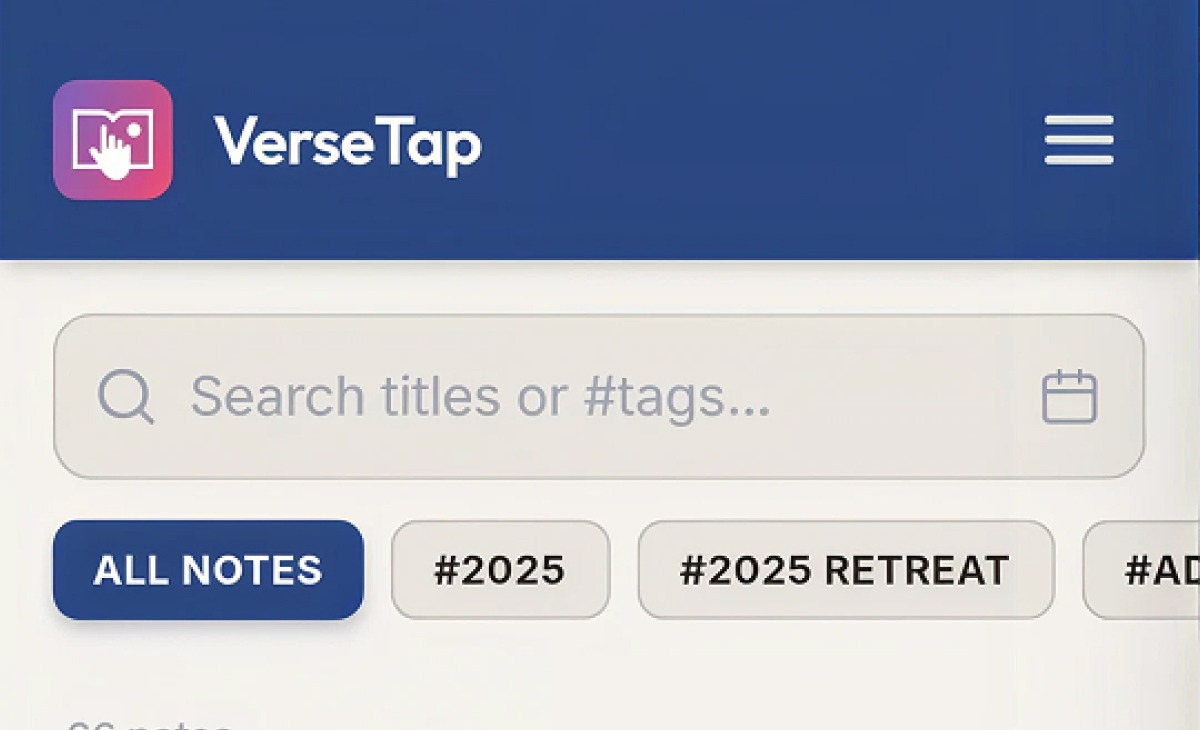
Layer 3: Series and topic tags. Group notes by sermon series, like “Romans Deep Dive, Q3 2024,” and by recurring topics such as prayer, leadership, faith, or giving. This is where most digital tools separate themselves from paper. VerseTap supports custom tags built for exactly this layer, so a note can carry both a series tag and a topic tag without extra effort.
Layer 4: Full-text search. This is the safety net. You’ll remember a phrase before you remember a tag. Full-text search means you can type “the fig tree that didn’t bear fruit” and pull up the note even if you tagged it under something else entirely. This layer is only possible with digital notes. Paper never gives you this, no matter how well you file it. VerseTap’s search runs across your full note archive so a half-remembered phrase is enough to find the message.
Four layers, stacked. Miss one and you’ll still lose notes. Use all four and almost nothing gets lost again.
How to Migrate Existing Paper Notes (Without Losing Your Mind)
Do not try to digitize everything at once. That’s the fastest way to abandon the project in week two.
Start with the last 12 months. Those are the notes you’re most likely to reference soon, and the ones freshest in your memory if a page is hard to read. From there, prioritize active sermon series and recurring teaching topics over one-off messages.
When you type up an old note, don’t transcribe every word. Capture the scripture references and the key insights. That’s enough to make the note findable and useful later. In VerseTap, typing a scripture reference auto-links to the full passage, so you don’t have to retype the verse text at all. You get the reference, the link, and the insight, without manually copying scripture you already have access to.
Older notes than that? Digitize them as time allows, or leave them as an archive you dig into occasionally. The goal isn’t a perfect record of everything you’ve ever preached. It’s a system that works going forward and covers what you’re actually likely to need.
How to Set Up Your System Going Forward
Once the backlog is handled, the ongoing workflow is simple.
During or immediately after the sermon, create the note with date and speaker. That’s Layer 1, done in the moment while it’s easy.
Within 24 hours, add the scripture anchor and topic tags. This is Layers 2 and 3, and doing it within a day means you still remember the message well enough to tag it accurately. Wait a week and you’ll guess.
Monthly, review your tag structure for consistency. Are you calling the same topic “leadership” in some notes and “church leadership” in others? Fix drift before it becomes ten different tags that all mean the same thing.
Once the habit forms, this whole process takes less than five minutes per note. That’s really all it takes to organize sermon notes digitally for the long run: a habit, not a project.
What to Look for in a Digital Sermon Notes Tool
If you’re choosing a tool to build this system around, look for five things.
Offline Bible access, so you can take and reference notes without depending on a signal. Scripture auto-detection, so references link to the actual passage instead of sitting as plain text. A tagging system, so notes can be categorized by series and topic. Full-text search, so nothing depends on you remembering the right tag. And private backup, so your notes are secure and belong to you, not locked into a company’s servers.
VerseTap was built around these five. It works fully offline with 124,408 embedded Bible verses, so scripture access doesn’t depend on a connection. Notes back up to your own Google Drive, not to VerseTap’s servers, so your material stays yours. If you want a broader look at how different tools stack up on these criteria, our comparison of the best apps for sermon notes in 2026 covers the full field.
Frequently Asked Questions
What is the best way to organize sermon notes digitally?
Use a four-layer system: date and speaker on every note, scripture reference as the primary anchor, series and topic tags for grouping, and full-text search as the safety net. A purpose-built tool like VerseTap handles all four layers with built-in tagging, scripture detection, and search.
Should I digitize my old paper sermon notes?
Start with the last 12 months and prioritize active sermon series. Type scripture references and key insights rather than transcribing every word. In VerseTap, typing a scripture reference automatically links to the full passage, so you capture the content without retyping verses.
Can I organize sermon notes without internet?
Yes. VerseTap works fully offline with 124,408 embedded Bible verses, tagging, search, and note creation. Notes back up to your own Google Drive when you connect.
How many tags should I use per sermon note?
Two to four tags per note is the practical sweet spot. One for the sermon series, one or two for topics, and the primary scripture reference as its own anchor. More than five tags per note creates clutter without improving searchability.
Ready to put this system to work? Download VerseTap for Android or try it free on the web at versetap.ng. Your notes. Your Google Drive. Your privacy protected.
Author Bio
Simeon Taiwo Oluwafimijoba is the founder of VerseTap. He is a minister and church administrator, and separately leads Clarylife Global, based in Port Harcourt, Nigeria. He holds certifications in Brand Management from the University of London and AI Product Management from Duke University. VerseTap’s approach to sermon notes was recently covered by Technext, including how the app handles offline scripture access and tagging for ministers managing years of notes.